Become an Ayna tester
Ayna turns an Android TV / Google TV into a wireless display for iPhone, iPad, Mac, Android and Windows (AirPlay, Miracast, DLNA). Before its Google Play launch we need real TV users for a 14-day closed test.
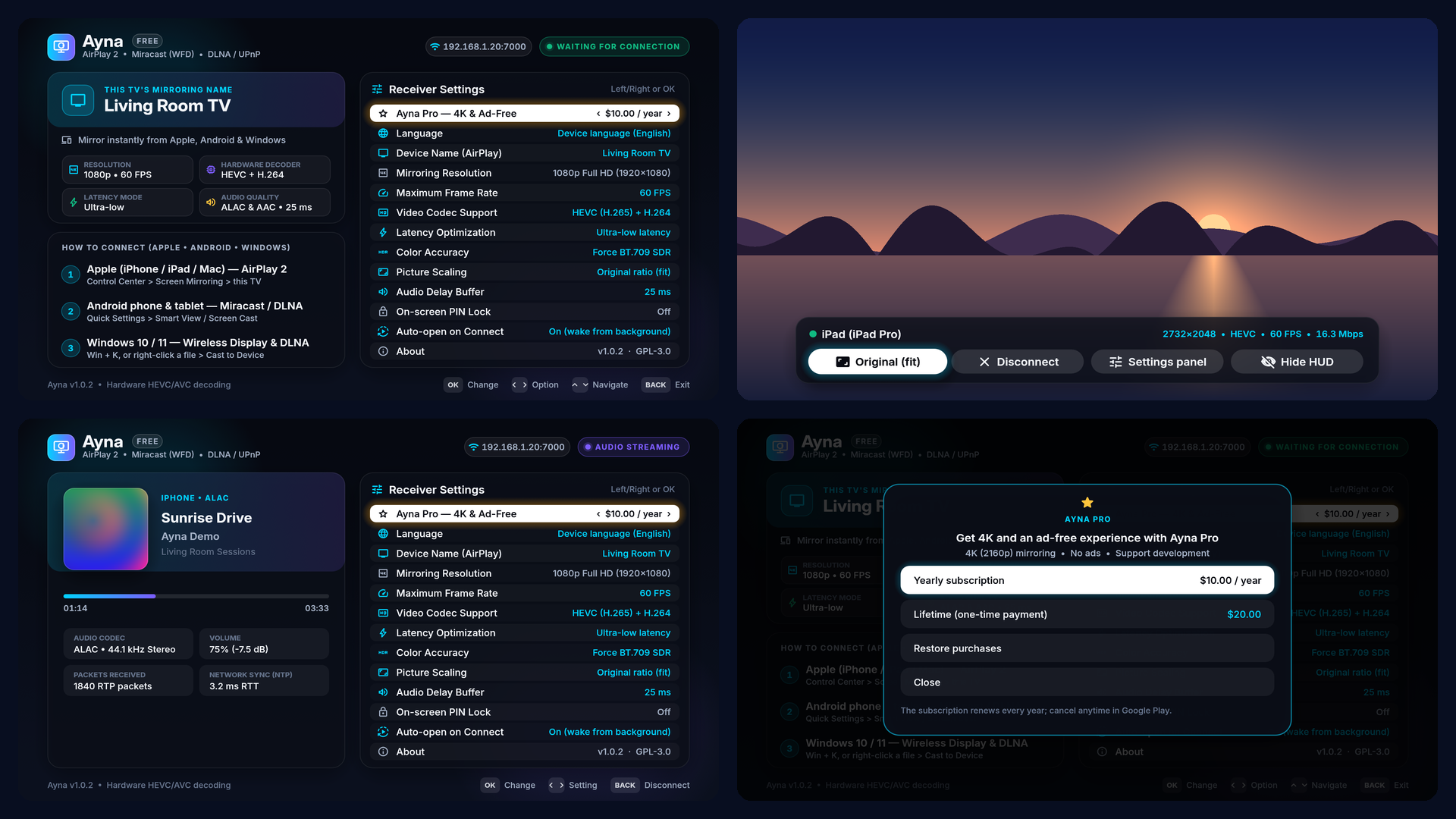
You need: an Android TV / Google TV device on Android 11 or newer
(TV, Mi Box, Chromecast with Google TV, TV box…) and the Google account you use on it.
- Join the group with the Google account of your TV.
Join ayna-test - Become a tester: tap "Become a tester" on the page that opens.
Join the test - Install on your TV: search "Ayna" in the Play Store on the TV. It can take a few hours to show up after you join.
- Stay for 14 days: keep the app installed and stay in the group and the test. Try mirroring a few times.
Bugs or ideas: krmndigital@gmail.com. As a thank-you, every tester gets a lifetime Ayna Pro code after launch. No rating or review is required for it.
If the test link says the app isn't available, Google's review hasn't finished yet: join the group and try again in a few days.